



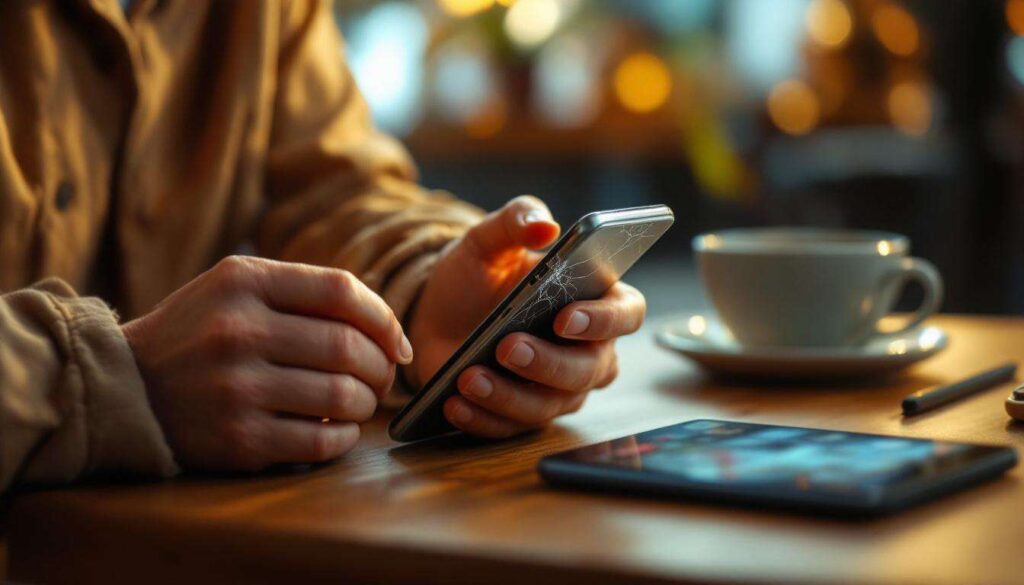
Modern smartphones have become indispensable tools in our daily lives, but like any piece of technology, they don’t last forever. Recognising when your device is approaching the end of its useful life can save you from unexpected breakdowns and frustrating experiences. Whether you’re experiencing technical glitches or noticing declining performance, certain warning signs indicate it’s time to start considering a replacement. Understanding these indicators helps you make informed decisions about upgrading before your phone becomes completely unreliable.
Performance slowdowns and crashing apps
One of the most noticeable signs that your smartphone is nearing its end is a significant decline in overall performance. When apps that previously opened instantly now take several seconds to launch, or when switching between applications becomes a laborious process, your device is struggling to keep up with modern demands.
Common performance issues to watch for
Several specific symptoms indicate that your phone’s processor and memory can no longer handle everyday tasks efficiently:
- Applications freezing mid-use and requiring forced closure
- Delayed response to touch inputs and commands
- Frequent app crashes, particularly with recently updated programmes
- Extended loading times for web pages and media content
- System interface lag when navigating menus or typing
These problems typically worsen over time as software becomes more demanding whilst your hardware remains static. When you find yourself regularly closing apps to free up memory or restarting your phone multiple times daily, the device is clearly struggling. This deterioration in performance fundamentally impacts your ability to use the phone for its intended purposes, making even basic tasks frustrating.
Beyond sluggish performance, another critical indicator affects how long you can actually use your device throughout the day.
Rapid battery drain
Battery degradation represents one of the most common reasons people replace their smartphones. If your phone barely lasts until lunchtime despite minimal use, or if the battery percentage drops dramatically within minutes, the battery has likely deteriorated beyond acceptable levels.
Understanding battery decline
Lithium-ion batteries naturally degrade with each charge cycle, but certain patterns indicate serious problems:
| Battery behaviour | Normal ageing | Serious concern |
|---|---|---|
| Daily charge cycles | 1-2 times | 3+ times |
| Sudden percentage drops | Occasional 1-2% | Frequent 10%+ jumps |
| Charging time | Similar to new | Significantly longer |
| Battery health | Above 80% | Below 70% |
When your phone dies at 20% remaining charge or requires constant connection to a power source, the battery has become unreliable. Whilst battery replacement services exist, the cost often approaches that of a new mid-range device, particularly for older models. Additionally, unexpected shutdowns during important calls or whilst using navigation can create genuinely problematic situations.
Battery issues often coincide with another physical problem that affects your phone’s internal components.
Frequent overheating problems
Smartphones generate heat during normal operation, but excessive or persistent overheating signals underlying hardware problems. When your device becomes uncomfortably hot during basic tasks like browsing or messaging, internal components are working harder than they should.
Causes and consequences of overheating
Several factors contribute to overheating in ageing smartphones:
- Degraded thermal paste between processor and heat sink
- Accumulated dust and debris blocking ventilation
- Failing battery generating excess heat during charging
- Processor strain from running incompatible software
- Background processes consuming excessive resources
Persistent overheating accelerates the degradation of other components, creating a cascading effect that shortens your phone’s lifespan. Beyond the discomfort of holding a hot device, excessive temperatures can damage the battery further, warp internal components, and even pose safety risks. If your phone regularly displays temperature warnings or shuts down to cool itself, the thermal management system has failed.
Heat damage can also affect the most interactive component of your smartphone: the screen itself.
Malfunctioning display and touchscreen
The display and touchscreen constitute your primary interface with your smartphone, making any malfunction particularly disruptive. When these components begin failing, the phone becomes increasingly difficult or impossible to use effectively.
Screen and touch response issues
Various display problems indicate serious hardware deterioration:
- Dead pixels appearing as black dots or coloured spots
- Screen flickering or displaying lines and artefacts
- Touch inputs registering incorrectly or not at all
- Ghost touches where the screen responds without input
- Discolouration or yellow tinting across the display
- Reduced brightness or uneven illumination
Physical damage like cracks obviously necessitates repair or replacement, but gradual deterioration of the digitiser or LCD panel occurs naturally over time. When you find yourself tapping multiple times to register inputs or struggling to read the screen outdoors, the display has degraded significantly. Professional screen replacement can be costly, particularly for modern OLED displays, often making a new phone more economical.
Screen problems become particularly frustrating when combined with software limitations that affect functionality.
Incompatibility with software updates
Manufacturers eventually cease providing operating system updates for older devices, leaving them vulnerable and increasingly incompatible with modern applications. When your phone can no longer install the latest OS version, it enters a declining phase of usefulness.
The impact of outdated software
Running obsolete software creates multiple problems beyond missing new features:
| Issue | Impact |
|---|---|
| Security vulnerabilities | Increased risk of malware and data breaches |
| App incompatibility | Popular apps cease functioning or updating |
| Banking restrictions | Financial apps may refuse to run on outdated systems |
| Missing features | Unable to access new services and capabilities |
When essential applications like banking, messaging, or work-related programmes no longer support your operating system, the phone becomes functionally obsolete regardless of its physical condition. Security patches are equally critical, as unpatched vulnerabilities expose your personal data to potential threats. If you’re receiving frequent notifications about unsupported software or cannot install necessary apps, your device has reached the end of its supported life.
Software limitations often compound another practical problem that affects daily usability.
Consistently full storage space
Chronic storage shortages represent a persistent frustration that indicates your phone no longer meets your needs. When you constantly delete photos, remove apps, or receive “storage full” warnings, the device lacks adequate capacity for modern usage patterns.
Managing insufficient storage
Several factors contribute to storage problems in older smartphones:
- Operating system updates consuming increasing space over time
- Applications growing larger with each update
- Accumulated cache files and temporary data
- Higher resolution photos and videos requiring more space
- Downloaded media, documents, and offline content
Whilst cloud storage and regular cleaning can provide temporary relief, fundamental capacity limitations cannot be overcome on devices without expandable storage. When you cannot install necessary updates, download important files, or capture photos without first deleting content, the phone has become impractical. Modern applications and media files continue growing in size, making devices with 32GB or even 64GB storage increasingly inadequate for typical use.
Recognising these warning signs allows you to plan for a replacement before experiencing a complete device failure. Whether experiencing one symptom or several simultaneously, these indicators demonstrate that your smartphone has reached the stage where investing in a new device makes more practical and economic sense than continuing with an increasingly unreliable and limited phone. Proactively monitoring your device’s condition ensures you can upgrade at an opportune moment rather than facing an emergency replacement when your phone finally stops working altogether.