



Modern smartphones have become powerful tools capable of handling far more than simple calls and messages. With the right applications, your Android device can transform into a personal assistant that manages repetitive tasks, coordinates smart devices, and streamlines your daily workflow without constant manual intervention. Automation apps eliminate the tedium of routine actions, freeing up valuable time and mental energy for more important activities. Whether you need to silence your phone during meetings, send automated responses, or control your entire smart home ecosystem, these seven free Android applications offer robust solutions for automating virtually every aspect of your digital life.
Introduction to automation apps on Android
Automation apps for Android represent a category of software designed to execute predetermined actions based on specific triggers or conditions. These applications function by establishing logical connections between events, states, and responses, creating what developers call “if-this-then-that” relationships. When a particular condition is met, such as arriving at a location or connecting to a Wi-Fi network, the app automatically performs pre-configured tasks without requiring user input.
The underlying technology relies on Android’s accessibility services and permissions, which grant these apps the ability to monitor system states, interact with other applications, and modify device settings. Users benefit from this approach in numerous ways:
- Reduced time spent on repetitive manual tasks
- Consistent execution of complex multi-step processes
- Enhanced productivity through intelligent scheduling
- Improved battery life by automating power-saving measures
- Seamless integration between disparate apps and services
Understanding the fundamental principles behind these applications helps users make informed decisions about which automation tool best suits their specific requirements. Each app offers distinct approaches to achieving similar goals, with varying levels of complexity and customisation options.
Simplify your daily tasks with Tasker
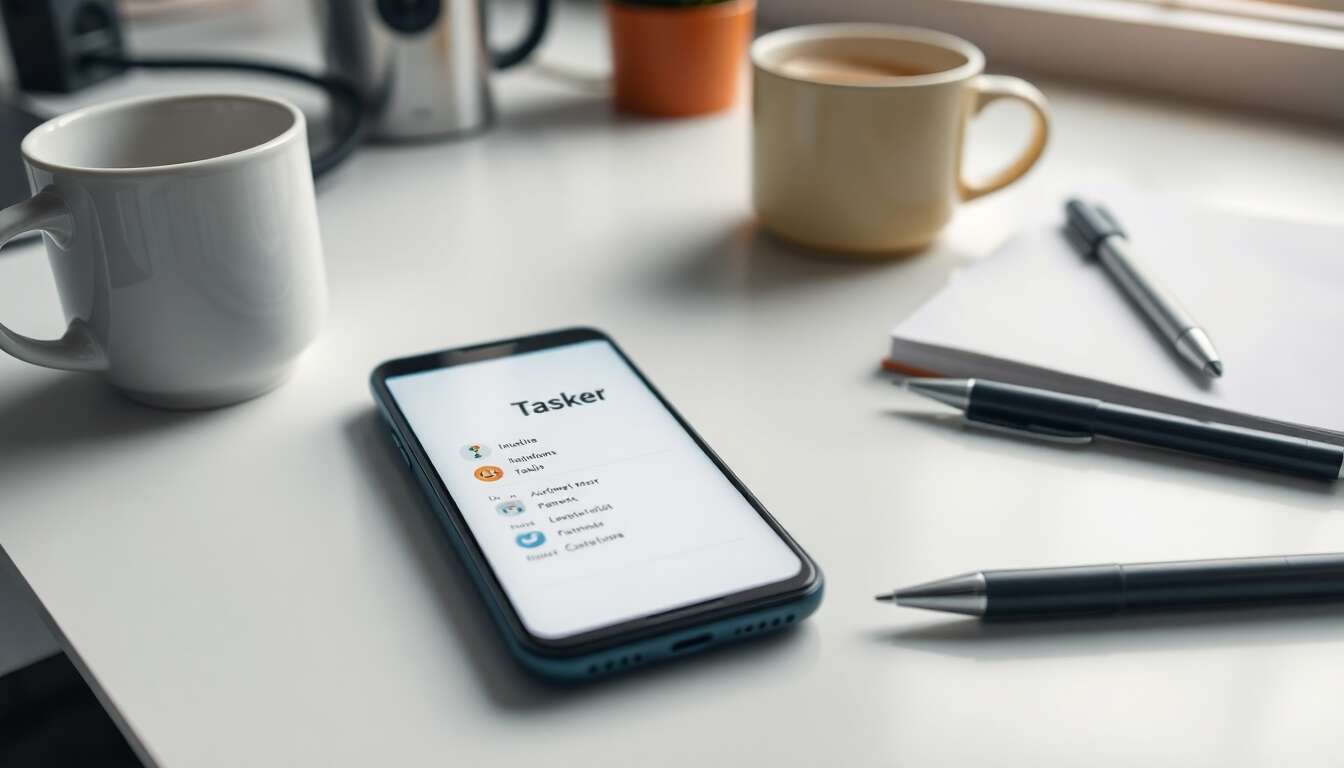
Tasker stands as one of the most powerful and comprehensive automation applications available for Android, offering an extensive range of capabilities that appeal to both novice users and experienced programmers. The application operates through a system of profiles, contexts, tasks, and actions, enabling users to create sophisticated automation sequences that respond to virtually any device state or external trigger.
Core features and functionality
The app’s strength lies in its ability to access and manipulate hundreds of device settings and functions. Users can automate screen brightness adjustments, volume controls, network connections, and application launches based on time, location, or device orientation. Tasker’s interface, whilst initially daunting, provides logical organisation through its project-based structure, allowing users to group related automations together for easier management.
Advanced users particularly appreciate Tasker’s support for variables, mathematical operations, and conditional logic, which transforms the app into a genuine programming environment. The application also supports plugins that extend its functionality further, connecting with third-party services and hardware devices beyond the standard Android ecosystem.
Practical applications
Common use cases include creating a “driving mode” that automatically launches navigation apps, silences notifications, and sends automated text responses when connected to a car’s Bluetooth system. Another popular automation involves establishing bedtime routines that dim lights, activate do-not-disturb mode, and set morning alarms based on calendar appointments. These practical implementations demonstrate how Tasker transforms abstract automation concepts into tangible daily benefits.
Beyond individual device management, Tasker’s capabilities extend to controlling connected devices through various protocols, bridging the gap between personal automation and broader smart home integration.
Create custom routines with Automate
Automate distinguishes itself through a unique visual programming interface that represents automation sequences as flowcharts with interconnected blocks. This graphical approach makes complex logic more accessible to users who prefer visual representations over text-based coding, whilst maintaining the depth and flexibility required for sophisticated automation scenarios.
Visual workflow design
Each automation in Automate begins with a trigger block, followed by decision points, actions, and loops that users connect by drawing lines between elements. The flowchart structure provides immediate visual feedback about how data flows through the automation, making it easier to identify logical errors and optimise sequences. The application includes over 320 different block types, covering everything from basic device functions to advanced networking operations.
The interface supports zooming and panning across large flowcharts, enabling users to construct elaborate multi-branch automations without losing track of the overall structure. Colour-coding and annotations help organise complex flows, whilst the built-in debugger allows step-by-step execution testing before deploying automations.
Community resources
Automate benefits from an active user community that shares pre-built flows through an integrated marketplace. Users can browse, download, and customise thousands of ready-made automations, dramatically reducing the time required to implement common scenarios. This collaborative ecosystem accelerates the learning process and inspires creative applications of the platform’s capabilities.
The combination of visual design and community support makes Automate particularly suitable for users who want powerful automation without steep learning curves, though its capabilities remain robust enough for advanced implementations as well.
Save time with Macrodroid
MacroDroid achieves an optimal balance between functionality and user-friendliness, presenting automation through a straightforward trigger-action-constraint model that remains intuitive whilst offering substantial power. The application’s clean interface and logical organisation make it an excellent choice for users seeking immediate results without extensive configuration.
Streamlined automation creation
Creating macros in MacroDroid follows a simple three-step process: selecting triggers that initiate the automation, choosing actions to perform, and optionally adding constraints that refine when the automation runs. The app presents options through categorised menus with clear descriptions, eliminating confusion about what each setting accomplishes. Users can combine multiple triggers and actions within a single macro, creating sophisticated sequences without complexity.
| Trigger Category | Example Options | Common Applications |
|---|---|---|
| Connectivity | Wi-Fi, Bluetooth, NFC | Location-based profiles |
| Device Events | Battery level, screen state | Power management |
| Time-based | Specific times, intervals | Scheduled tasks |
| Applications | App launched, notification | Context switching |
Practical efficiency gains
MacroDroid excels at implementing everyday automations that deliver immediate time savings. Examples include automatically enabling mobile data when leaving home Wi-Fi range, launching music apps when headphones connect, or creating custom quick-setting tiles for multi-step operations. The app’s constraint system adds sophistication by preventing automations from running during inappropriate times, such as disabling work-related automations during weekends.
The free version provides generous functionality, though some advanced features require upgrading to the pro version. For many users, the included capabilities prove more than sufficient for comprehensive automation needs.
Whilst individual device automation proves valuable, connecting these capabilities to broader smart home ecosystems multiplies the potential benefits considerably.
Automate your smart home control with IFTTT
IFTTT (If This Then That) pioneered the concept of web-based automation by connecting disparate online services and smart devices through simple conditional statements called applets. The platform’s strength lies not in deep Android system integration but in its vast ecosystem of supported services, encompassing hundreds of smart home devices, social media platforms, and cloud-based applications.
Cross-platform integration
IFTTT’s Android app serves as a control centre for managing automations that span multiple platforms and devices. Users can create applets that respond to Android-specific triggers, such as arriving at a location or receiving a notification, then execute actions on external services like adjusting smart thermostats, posting to social media, or logging data to spreadsheets. This cross-platform capability distinguishes IFTTT from Android-focused automation apps.
The service supports major smart home brands including Philips Hue, Google Nest, Amazon Alexa, and Samsung SmartThings, enabling unified control across manufacturers. Users benefit from pre-made applets created by service providers and community members, offering instant implementation of common scenarios without manual configuration.
Limitations and considerations
Recent changes to IFTTT’s business model have introduced limitations on the free tier, restricting users to a specific number of active applets. This constraint requires careful prioritisation of which automations provide the most value. Additionally, IFTTT’s reliance on cloud processing introduces latency compared to locally-executed automations, making it less suitable for time-critical operations.
Despite these limitations, IFTTT remains invaluable for users invested in smart home ecosystems or those requiring integration with web services beyond Android’s native capabilities. The platform’s approach complements rather than replaces device-specific automation apps.
Customise your notifications with AutomateIt
AutomateIt offers a user-friendly alternative to more complex automation platforms, focusing on accessibility and straightforward rule creation. The application presents automation through simple if-then rules with an emphasis on common scenarios that deliver immediate practical benefits without overwhelming new users.
Simplified rule structure
The app organises automation around rules composed of triggers and actions, presented through an intuitive interface that guides users through the creation process. AutomateIt includes pre-configured rule templates for popular scenarios, allowing users to implement automations with minimal customisation. The straightforward approach makes it particularly suitable for individuals new to automation concepts or those seeking quick solutions without extensive configuration.
Notification management represents one of AutomateIt’s strongest features, enabling sophisticated control over how and when notifications appear. Users can create rules that modify notification behaviour based on location, time, or device state, ensuring important alerts remain visible whilst suppressing distractions during focused work or leisure time.
Resource efficiency
AutomateIt distinguishes itself through minimal battery consumption compared to more feature-rich alternatives. The app achieves this efficiency by limiting background monitoring to essential triggers and optimising how it checks device states. For users concerned about battery life or running older devices with limited resources, AutomateIt provides automation capabilities without significant performance impact.
The application’s simplicity does impose limitations on advanced functionality, but this trade-off proves acceptable for users prioritising ease of use and system efficiency over comprehensive control.
Beyond managing notifications and device settings, automation can extend to facilitating communication and remote device management, particularly useful for users frequently on the move.
Optimise your travel habits with AirDroid
AirDroid approaches automation from a different angle, focusing on remote device management and cross-device functionality rather than purely trigger-based automation. The application enables users to access and control their Android device from computers, tablets, or other smartphones, creating automation opportunities through unified device management.
Remote access capabilities
The app establishes connections between devices through Wi-Fi networks or cloud-based services, allowing users to view notifications, respond to messages, transfer files, and even mirror their Android screen to larger displays. This remote access proves particularly valuable during travel when switching between devices becomes cumbersome or when a phone remains charging in another location.
AirDroid’s automation features include scheduled file transfers, automatic photo backups, and notification forwarding rules that ensure important alerts reach users regardless of which device they’re actively using. The application supports creating automated responses for calls and messages when users cannot directly access their phones, maintaining communication continuity during meetings or travel.
Cross-device workflows
By enabling seamless interaction between Android devices and computers, AirDroid facilitates workflows that would otherwise require manual intervention. Users can automate the process of backing up photos taken during travel, ensuring images transfer to cloud storage or computer drives without manual file management. Similarly, clipboard synchronisation allows copying text on one device and pasting it on another, streamlining tasks that span multiple platforms.
The free version includes core functionality with limitations on data transfer speeds and remote access duration, whilst premium subscriptions remove these restrictions for users requiring more intensive usage.
Automation represents more than isolated productivity tricks; it embodies a comprehensive approach to reclaiming time and mental energy from repetitive digital tasks. The seven applications explored here offer varying philosophies and capabilities, ensuring suitable options exist regardless of technical expertise or specific automation requirements. Tasker and Automate provide maximum flexibility for users comfortable with complexity, whilst MacroDroid and AutomateIt deliver accessible solutions for straightforward scenarios. IFTTT bridges the gap between Android devices and broader smart home ecosystems, and AirDroid facilitates cross-device workflows particularly valuable during travel. By implementing even a handful of carefully chosen automations, Android users can significantly reduce daily friction, allowing their devices to work proactively rather than reactively. The investment of time required to configure these applications pays dividends through cumulative time savings and reduced cognitive load, transforming smartphones into genuinely intelligent assistants rather than merely responsive tools.